
 HydraDOCs
Appearance
Help Menu
Go To HydraCARDS Online
Selecting this option will lead you to the HydraCARDS website.
HydraCARDS is a database containing errors and solutions that can be encountered while using Hydratec software (including HydraCALC). Most commonly encountered errors can be found here using the search feature.
If your issue was not documented in HydraCARDs and assistance is needed, Hydratec support can be reached by submitting a support request via this link: Hydratec Support or by emailing [email protected]
Go To NFPA 13 Online
Selecting this option will lead you to NFPA's website (nfpa.org) and the most current edition of NFPA 13. An NFPA subscription is required.
Help Contents
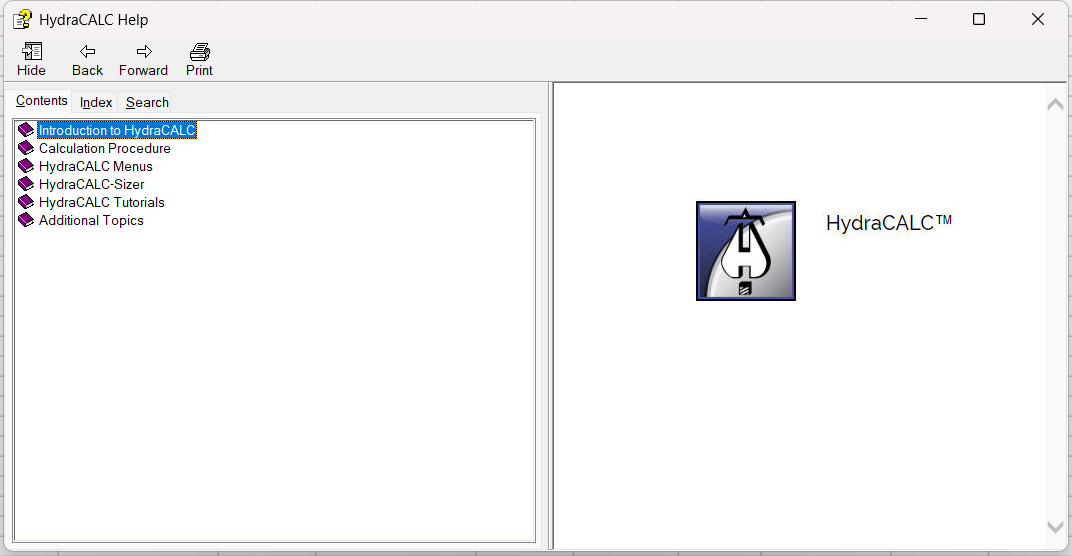
Help Contents will lead to the offline (and more outdated) version of this online help documentation.
User Manual
Opens the HydraCALC V50 User Manual PDF via Adobe Acrobat PDF Reader. If you do not have Adobe Acrobat installed, this error will be shown.
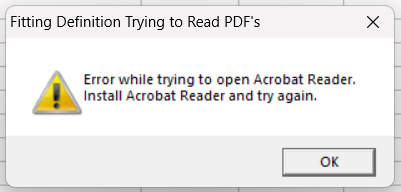
If you do not have Adobe Acrobat installed and do not wish to install it, but would like to view the HydraCALC V50 User Manual, you can go to the folder and find the file using Windows File Explorer. Navigate to C:/HES/HydraCALC/VER50/Docs/ and select "HydraCALC V50 User Manual.pdf" to view it with the PDF viewer of your choice.
HydraCALC Documents
Selecting HydraCALC Documents will open the folder C:/HES/HydraCALC/VER50/Docs/. In this folder you will be able choose from other useful PDFs explaining how to accomplish different tasks within HydraCALC.
For example:
- A sample of an anti-freeze loop
- A sample of a grid printout
- A PDF on how to understand the HydraCALC Printout, which can also be viewed online here: Understanding the HydraCALC Printout
Just like ther User Manual, if you do not have Adobe Acrobat installed, this warning will be shown.
If you do not have Adobe Acrobat installed and do not wish to install it, but would still like to view one of the HydraCALC Documents, go to the aforementioned folder C:/HES/HydraCALC/VER50/Docs/ and you will see the same selection this Help Menu option gave you.
Instructional Videos
Instructional Videos opens a folder with useful videos about HydraCALC and HydraCALC-Sizer covering a range of topics, such as:
- How to calculate a grid
- How to calculate a branch line
- How to calculate a system with city water and a pump
Recent Changes in HydraCALC
Opens a text file showing changes in HydraCALC between updates.
*NOTE* Due to Windows 11 removing Wordpad and the ability to open .RTF files, navigate to this folder and file using Windows File Explorer to review the file.
C:\HES\HydraCALC\VER50\Help "Changes.rtf"
About HydraCALC
How to identify your HydraCALC Software Version
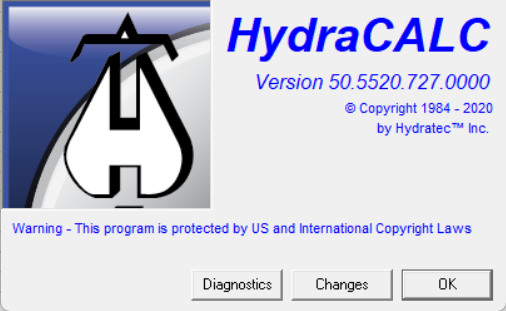
Selecting About HydraCALC will display your current HydraCALC software version. In the below example, it being version 50.5520.727.###.
Diagnostics
Shows drive and folder paths to help diagnose problems
Changes
Same as "Recent Changes in HydraCALC" above, shows the recent changes in HydraCALC. You may have to open the file via Windows File Explorer as it is an RTF file.