
 HydraDOCs
Appearance
Hydratec for Revit Addin Assistant
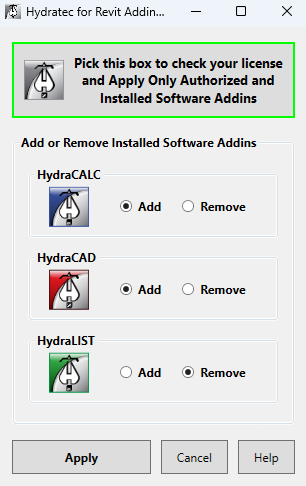
Occasionally, Hydratec Addins may not be present after an install or update of Hydratec for Revit software.
Use this application to add or remove Addins.
To start, you must close any open Revit sessions. Don't forget to save, if needed. Navigate to the \HES\Hydratec for Revit\Programs folder. (Typically located on the C: Drive)
Locate HydratecRevitAddinAssistant.exe and right-click, and select Run as Administrator.
Operation:
Recomended:
This button will only install Addins for installed Hydratec programs that are licensed.
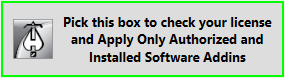
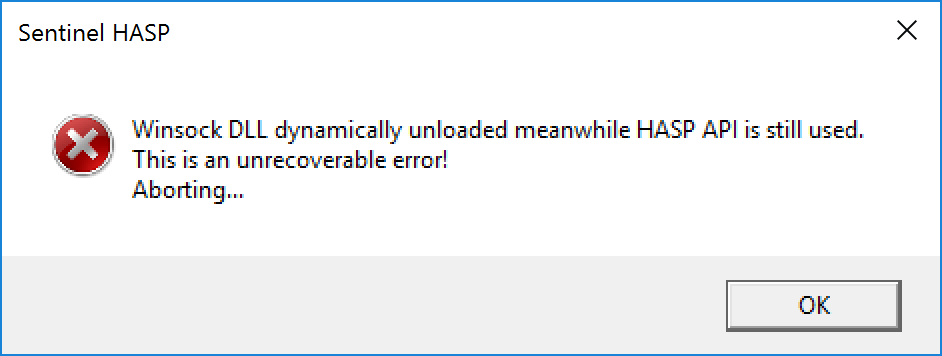
The program will close when completed.
NOTE: You can disregard this error, which may be displayed at the end of the process, by picking OK.
If no license is found, you can use this panel to add or remove Addins as required. Hydratec systems not installed will be unavailable for editing.
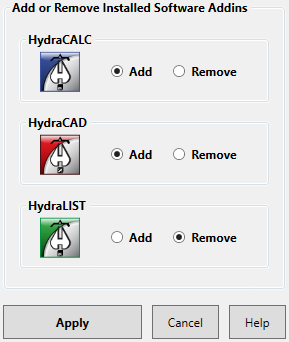
Pick Apply to save changes, and close the program.