
 HydraDOCs
Appearance
Armover
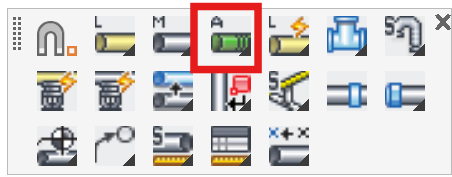
Layer(s): SPRKDAT4
Shortcut: AM
Associated: Line / Main / Auto Line
Ribbon: Draw Panel Slide-out

Draw armover piping. Places a line on the SPRKDAT4 layer. Draw the armover from a picked point to a picked point.
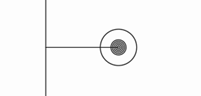
When the HydraCAD Object Snap Settings are turned on, you can start the command, pick a head, then pick a branch line. The branch will be automatically broken at the line connection.
HydraCARDs (Troubleshooting)
For HydraCARDs regarding Armover: [Click Here]