
 HydraDOCs
Appearance
Tee
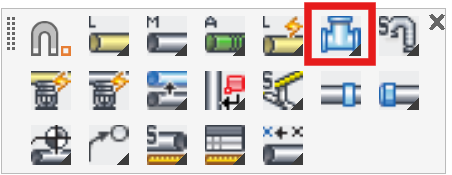
Layer(s): SPRKDAT(1,2,3,4), SPRKDATA
Shortcut: TEE
Associated: Main / Line / Size Pipe Setup
Ribbon: Draw Panel
Hot Key: SHIFT+CTRL+RT-CLICK
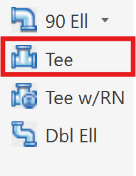
Join perpendicular pipes or a sprinkler to another pipe. The example here shows a point before teeing into a 6” main. When selecting the Tee command, HydraCAD will prompt with: Pick point to tap from
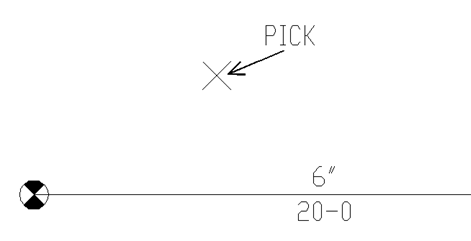
Pick some point above the main. HydraCAD will then prompt with: Please pick the pipe to tap into
Pick the 6” main.
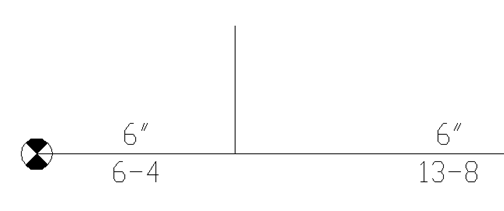
HydraCAD draws a line from the picked point to intersect with the horizontal main. The horizontal main is broken at the point of intersection, and the length dimensions updated to accommodate the break.
Tip - If connecting a sprinkler head to a pipe, always pick the sprinkler head before picking the pipe.
Tip - If you start a Line or Main, you can SHIFT+CTRL+RT-CLICK over a pipe to (tee) into it.
HydraCARDs (Troubleshooting)
For HydraCARDs regarding Tee: [Click Here]