
 HydraDOCs
Appearance
Size Pipe Toolbar
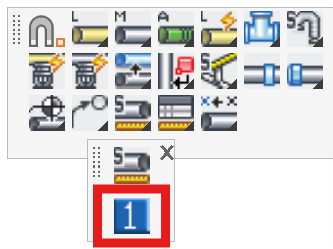
Layer(s): SPRKDATA
Associated: Size Pipe Setup
Ribbon: Insert Panel
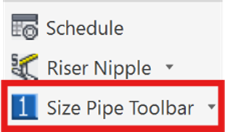
Display the Pipe Sizing toolbar. If you open an Imperial unit drawing, the Imperial sizes toolbar will be displayer. If you open a metric unit drawing, the Metric sizes toolbar box will displayed.
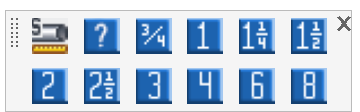
This can offer a quicker method for sizing pipes than with the Size Pipe Setup dialog box. Pick the size from the toolbar and pick the pipe to insert the size. Pipe Sizes are inserted according to the current settings in the Pipe Tag Setup dialog box.
You can also open the Pipe Size Setup dialog box by clicking the first button on this toolbar.
HydraCARDs (Troubleshooting)
For HydraCARDs regarding Size Pipe Toolbar: [Click Here]