
 HydraDOCs
Appearance
Erase Bay
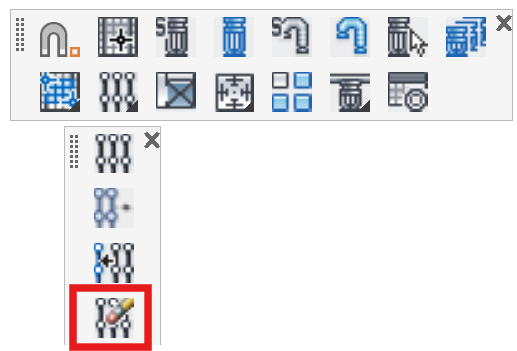
Layer(s): SPRNKS, SPRKDAT2
Shortcut: EBAY
Associated: Select Sprinkler / Insert Sprinkler / Lines
Ribbon: Insert Panel
Used to erase sprinklers, pipes and other HydraCAD objects from a bay. Start the command and select the objects. Right click to erase.
Only HydraCAD objects will be erased. Objects not on HydraCAD layers will remain.
HydraCARDs (Troubleshooting)
For HydraCARDs regarding Erase Bay: [Click Here]