
 HydraDOCs
Appearance
Find Reference Points
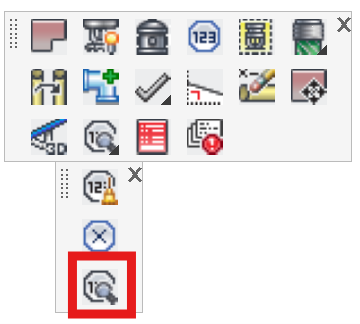
Layer(s): HYD2
Shortcut: FRP
Associated: Reference Points
Locates reference points by name.
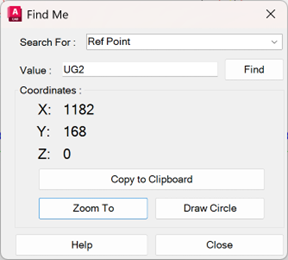
Select Ref Point and enter the reference point name in the Value field. Press Find. This will display the coordinates of the found reference point, if any.
You can also select a pipe or fitting to search for and enter its Handle. This is useful if you have encountered a calculation error that has reported a bad pipe or fitting.
Copy to Clipboard will record the coordinates so that you can paste them elsewhere for reference.
Pressing Zoom To will locate and zoom a window to the reference point you entered, and Circle will draw a circle around found reference points.
The coordinate fields will turn red if the Reference Point is not found.
HydraCARDs (Troubleshooting)
For HydraCARDs regarding Find Reference Points: [Click Here]