
 HydraDOCs
Appearance
Hanger Details
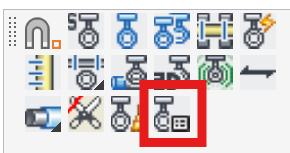
Layer(s): DETAILS
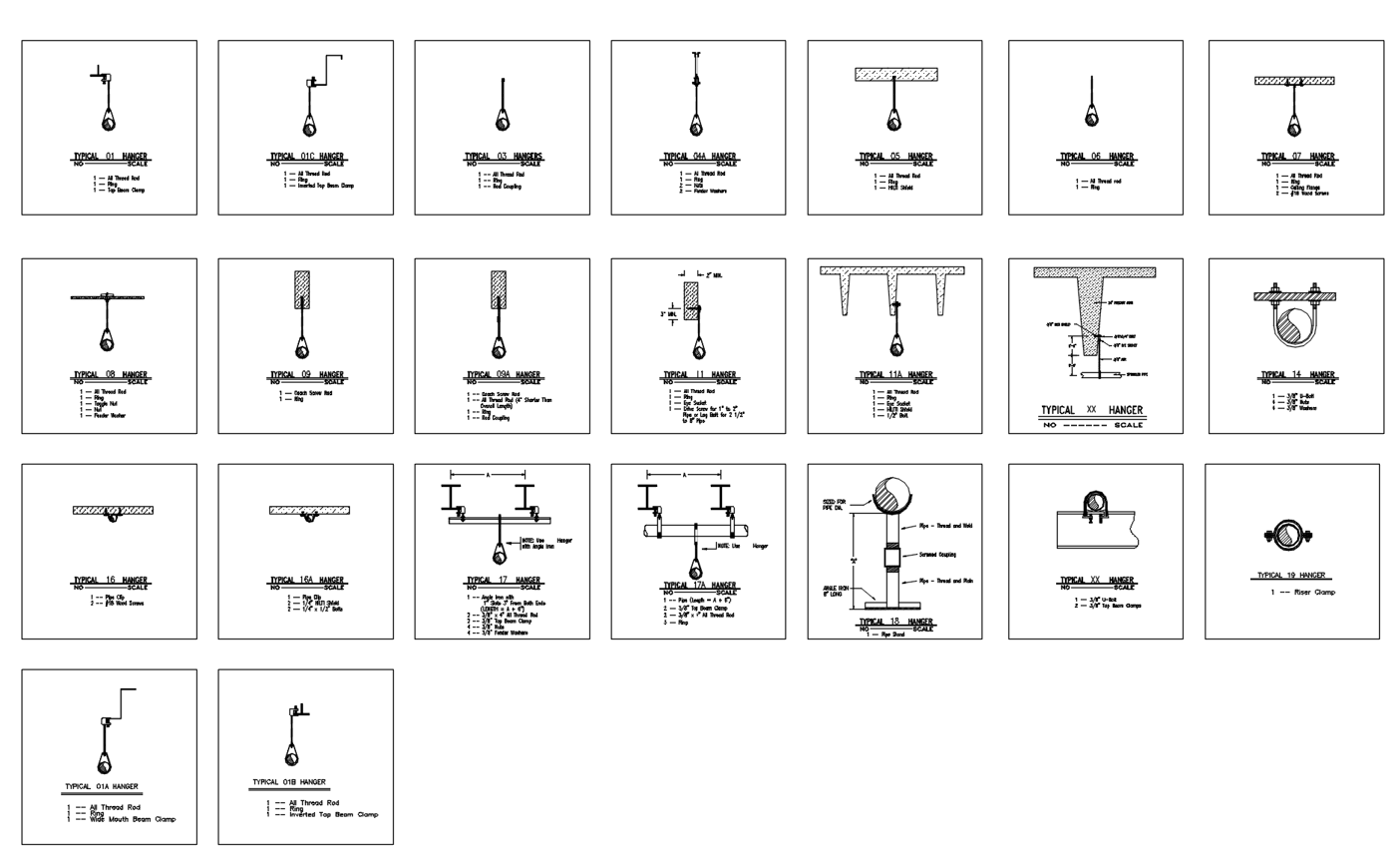
Starting the command will open a hanger details drawing. Use the clipboard to copy and paste selected details into your master drawing.
Tip - You can edit this drawing to add your own details and delete the ones you don’t use. Make sure to keep a copy of the drawing, as it may get replaced by an update or install.
HydraCARDs (Troubleshooting)
For HydraCARDs regarding Hanger Details: [Click Here]