
 HydraDOCs
Appearance
Copy Bay
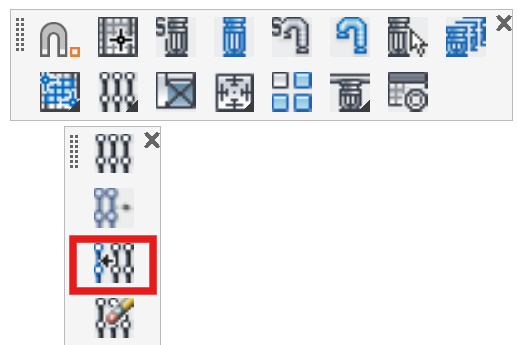
Layer(s): SPRNKS, SPRKDAT2
Shortcut: CBAY
Associated: Select Sprinkler / Insert Sprinkler / Lines
Ribbon: Insert Panel
Used to copy existing bay layouts. Start the command and you will be prompted to Select objects. Select the sprinklers and pipes you would like to copy and right click. You will be prompted for a base point or Displacement. Choosing Displacement will allow you to enter a three-axis coordinate for the copy.
For the base point, you can pick any reference point on the drawing such as a bay corner. Then, pick other points to copy the sprinklers to. This is much like the AutoCAD copy command.
HydraCARDs (Troubleshooting)
For HydraCARDs regarding Copy Bay: [Click Here]