
 HydraDOCs
Appearance
Stacked Riser Nipples
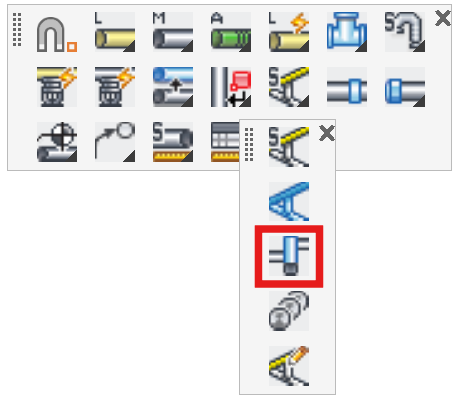
Layer(s): SPRNK2, SPRKDATA
Shortcut: SRN
Ribbon: Insert Panel
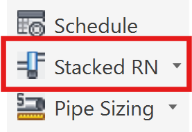
Insert a double riser pipe. Used when one branchline heads off in one direction while the riser continues to another riser nipple.
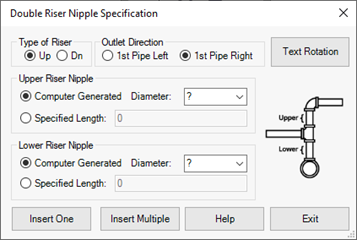
Select the Type of Riser; Up or Dn with the radio buttons. Also select the 1st Pipe from the bottom to be Left or Right. The image will change as you make your selections.
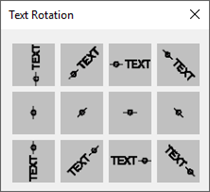
Text Rotation will open a dialog box where you can select your riser nipple annotation style.
Select your branch Diameters with the drop-down lists.
The riser lengths can be Computer Generated or Specified.
Your crossing lines or mains must be drawn so that they are broken at the intersection.
Press Insert One and pick a pipe close to the intersection.
The Double Riser Nipple will be inserted.
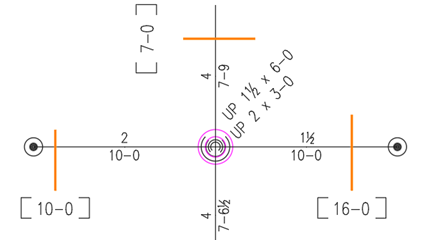
Use Insert Multiple to insert more than one Double Riser Nipple. Press Esc to exit the command.
HydraCARDs (Troubleshooting)
For HydraCARDs regarding Stacked Riser Nipples: [Click Here]