
 HydraDOCs
Appearance
Pick Current Head
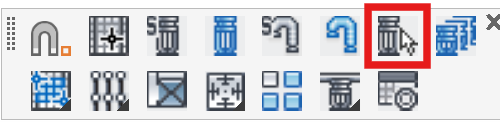
Layer(s): SPRNKS
Shortcut: PH
Associated: Insert Sprinkler
Ribbon: Insert Panel
Specify a sprinkler for insertion if you have multiple types in your drawing. Pick a head on your drawing to make it current. You will be launched into the Insert Sprinkler command. You can also use Select Sprinkler to make a sprinkler type current.
HydraCARDs (Troubleshooting)
For HydraCARDs regarding Pick Current Head: [Click Here]