
 HydraDOCs
Appearance
Remove Blocks
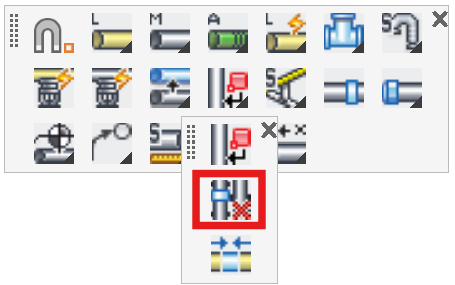
Layer(s): SPRKDAT(1,2,3), SPRNKS, SPRNK2
Shortcut: RB
Ribbon: Tools Panel
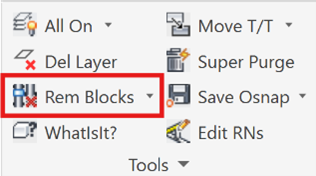
Remove HydraCAD blocks such as riser nipples, sprinklers or couplings from existing pipes.

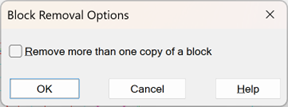
Start the command and the Block Removal Options dialog box will appear.
Check the box if you want to remove more than one block simultaneously. Press OK.
You will be prompted to Please pick the block to remove. Pick one of the items.

You will be prompted to Select objects. Pick the items individually or with a window. Right click.

The items are removed and the pipes are healed. Any existing dimensions are updated.

HydraCARDs (Troubleshooting)
For HydraCARDs regarding Remove Blocks: [Click Here]