
 HydraDOCs
Appearance
Rapid Line w/size
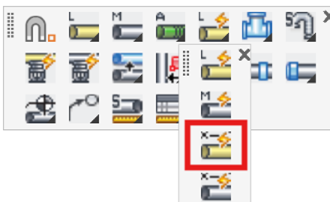
Layer(s): SPRKDAT2, SPRKDATA
Associated: Rapid Main / Rapid Line / Size Pipe
Ribbon: Draw Panel
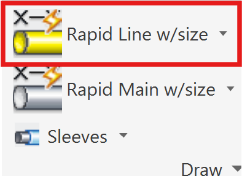
Insert line piping by the same methods as with the Rapid Line command. The command will also insert pipe sizes and lengths. The diameter will be inserted according to the setting in the Size Pipe Setup command. If no size is selected from Size Pipe Setup, HydraCAD will insert a question mark as the pipe diameter. See the Rapid Line command for a detailed explanation.
HydraCARDs (Troubleshooting)
For HydraCARDs regarding Rapid Line w/ size: [Click Here]