
 HydraDOCs
Appearance
Change Diameter
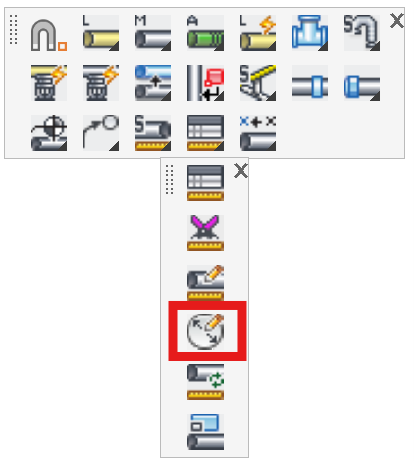
Layer(s): SPRKDATA, SPRKDATB
Shortcut: CD
Associated: Size Pipe
Change existing pipe diameters. If the Only those matching old diameter box is selected, and a diameter is selected from the Old list, only pipes with that Old diameter will be changed, regardless of how many pipes are picked. If you have a large job and you want to change all 2” pipes to 1 ½” pipes, then use this option.
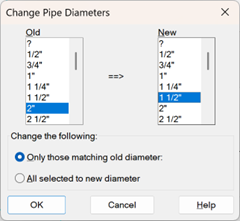
Example: Check Only those matching old diameter and select 2” for the diameter. Set the New diameter to 1 ½”. Press OK and select the whole job with a window. Only the 2” pipes will be changed.
If All selected to new diameter is checked, all selected pipe sizes will be changed.
HydraCARDs (Troubleshooting)
For HydraCARDs regarding Change Diameter: [Click Here]