
Appearance
Viewbase
Layer(s): NONE
Associated: Viewports / Viewsection
Ribbon: Insert Panel
AutoCAD Ribbon: Layout Tab, Create View Panel
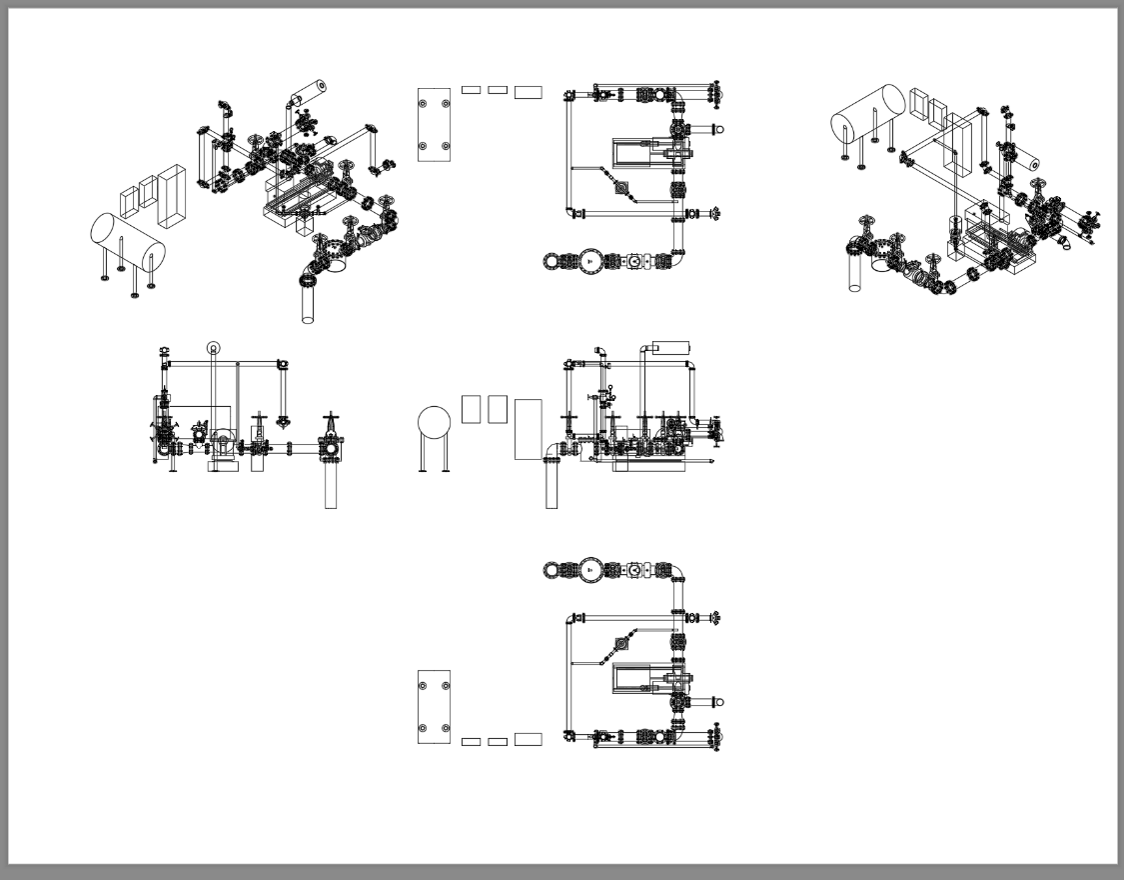
Viewbase is an AutoCAD command used to create base, orthogonal, and isometric projected views from 3D solids drawn in model space. Viewbase offers a great way to almost instantly create and display multiple views of 3D models. Complete details are found in the AutoCAD Help system.
You can begin Viewbase in either Model Space or Paper Space. You can specify an existing layout tab or have a new one created by the Viewbase command. The base model can be inserted into a viewport or simply onto the layout tab.
The drawing below is one shipped with HydraCAD. It is found in the HydraTools->Tools->Training Drawings drop-down menu, or by typing in TD. Select Pump Room.
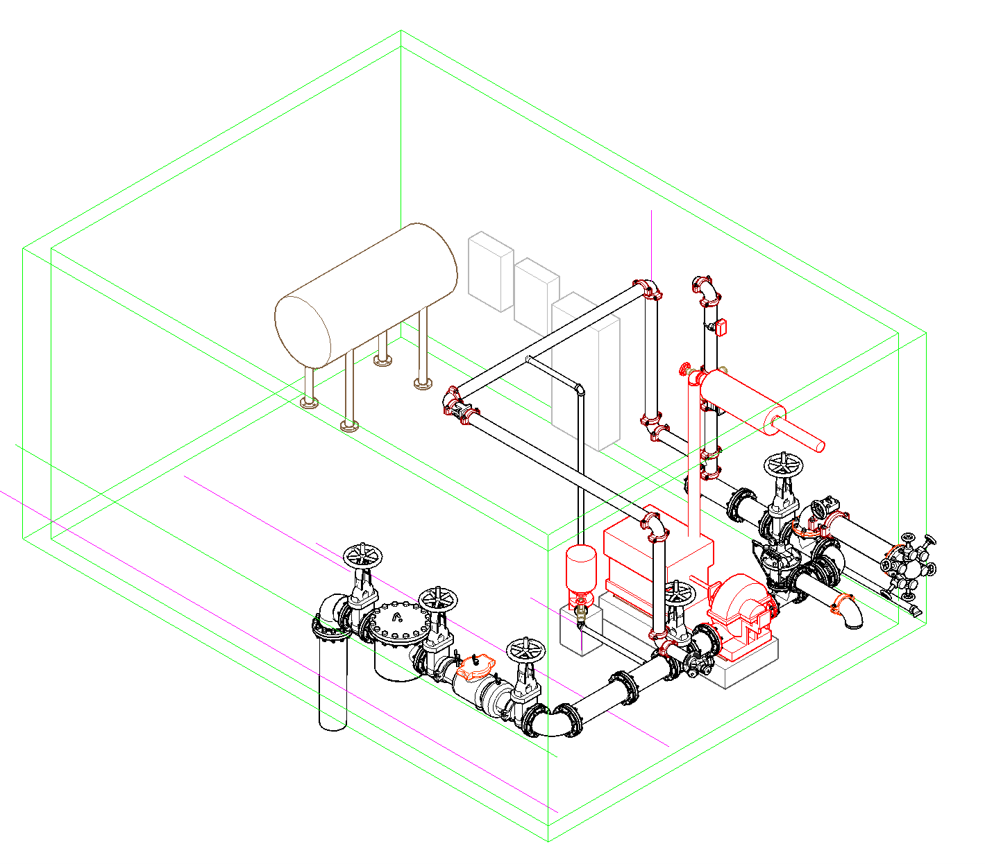
When you start the Viewbase command you will be asked to Specify the model source. You can select the words Model space or right-click to choose that option. You will then be asked to Select objects or choose the Entire Model. Right-click to choose the entire model. If you are in Model space, you will be asked to enter a new or existing layout name. Type in the layout name of an existing layout tab, or type in a brand-new name and that layout tab will be created and the focus switched to that tab. If you are already on that tab when Viewbase is started, the view will be created on that tab without further questions.
As you hover over the plot area, the image of the riser will appear. Pick near the center of the sheet to place the base view. You will see some options but for now pick eXit.
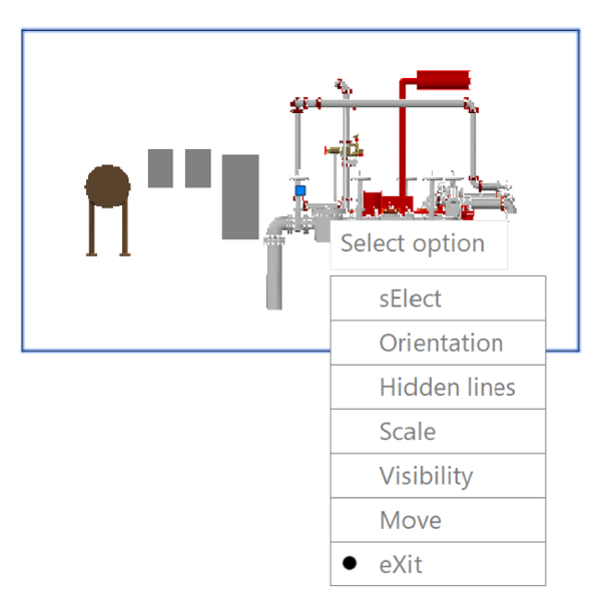
This is the base view. Notice that the command continues. As you move your mouse around the sheet, different views will be presented (left, right, top, bottom, etc.) depending on the cursor location. Click to place as many as you want. Right-click when done selecting and the views will be finalized. You can label these views and dimension them. These views can be updated with any changes to the model by using the REGEN command, or REGENALL.