
 HydraDOCs
Appearance
Head Schedule
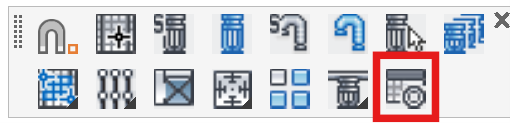
Layer(s): TEXT
Shortcut: SHS
Associated: Insert Sprinkler
Ribbon: Insert Panel
Inserts a block showing sprinkler symbols, totals, information and descriptions in either table or text format. When started, the Sprinkler Head Schedule dialog box will appear.
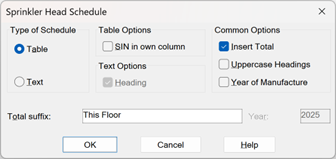
Set up your preferences and press OK.
The command line will prompt with: Select objects:
Read the prompts to select the heads that you would like to include in the total. The command will prompt with: Pick Start point for schedule. Pick the position of the lower left corner.
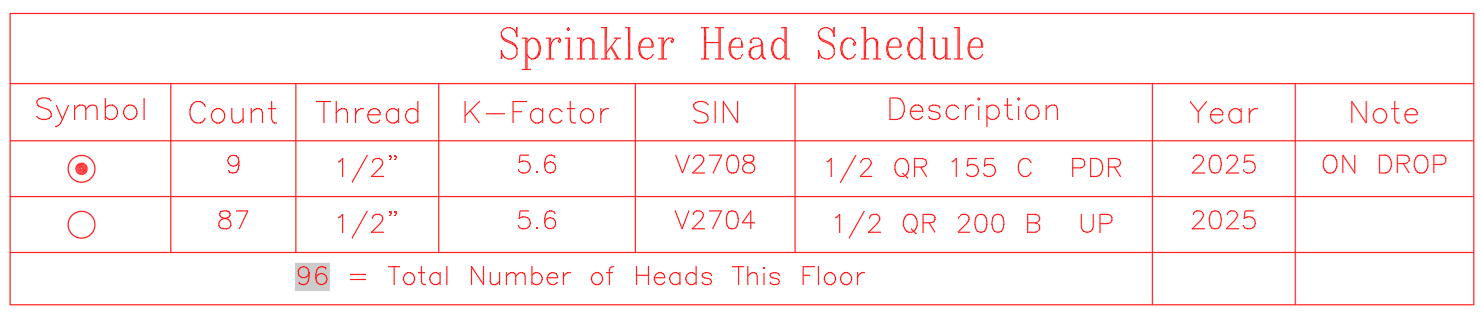
Tip - To edit the description, you can double-click on it and change it.
HydraCARDs (Troubleshooting)
For HydraCARDs regarding Head Schedule: [Click Here]