
 HydraDOCs
Appearance
Zooming from the Insert Fittings Dialog Box
The zoom commands operate in the usual manner when working with 3D views. The Insert Fittings dialog box has three commands on the bottom left corner as shown below.
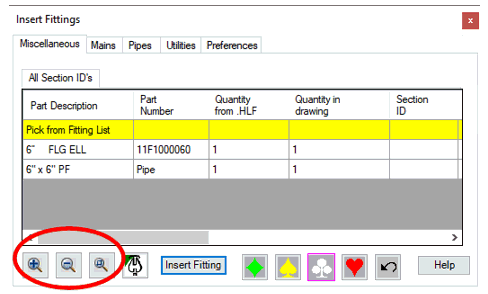
This allows you to reposition your view without exiting the dialog box. You can Zoom in, Zoom out or use the Zoom Window command.