
 HydraDOCs
Appearance
Flip towards Green Diamond
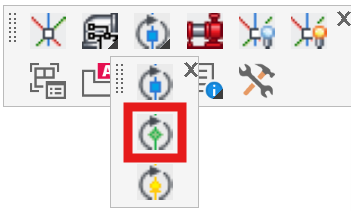
Layer(s): NONE
Ribbon: Insert Panel
Flip an inserted fitting using the Green diamond direction.
Components are inserted in the direction indicated by the blue spear symbol. The Flip towards Green Diamond command will rotate the blue spear to the position of the green diamond. When a Ski Pole is attached to an object, both the object and the Ski Pole will rotate.
Select Flip towards Green Diamond and pick any part of the Ski Pole on the gate valve as shown. The Ski Pole green direction will become the axis of rotation.
Now, select an object or objects to rotate about the origin. Select the object to be rotated. In this example, the Ski Pole was selected. You will be prompted at the command line to enter a rotation angle in degrees. This will be the number of degrees to rotate the object from the original blue spear of the original Ski Pole picked towards the yellow spear of the original Ski Pole picked.