
 HydraDOCs
Appearance
Insert 3D Fittings
The Insert Fittings dialog is used to insert 3D Fittings, mains and pipes.
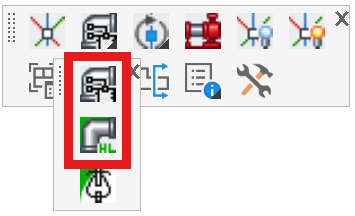
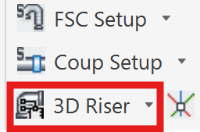
This dialog is launched two ways – through the Insert Fitting via Parts Tree and the Insert Fitting via HydraLIST commands, which are found on the fittings flyout of the toolbar and the Insert panel of the ribbon menu. It has four distinct uses, each assigned to a tab at the top.
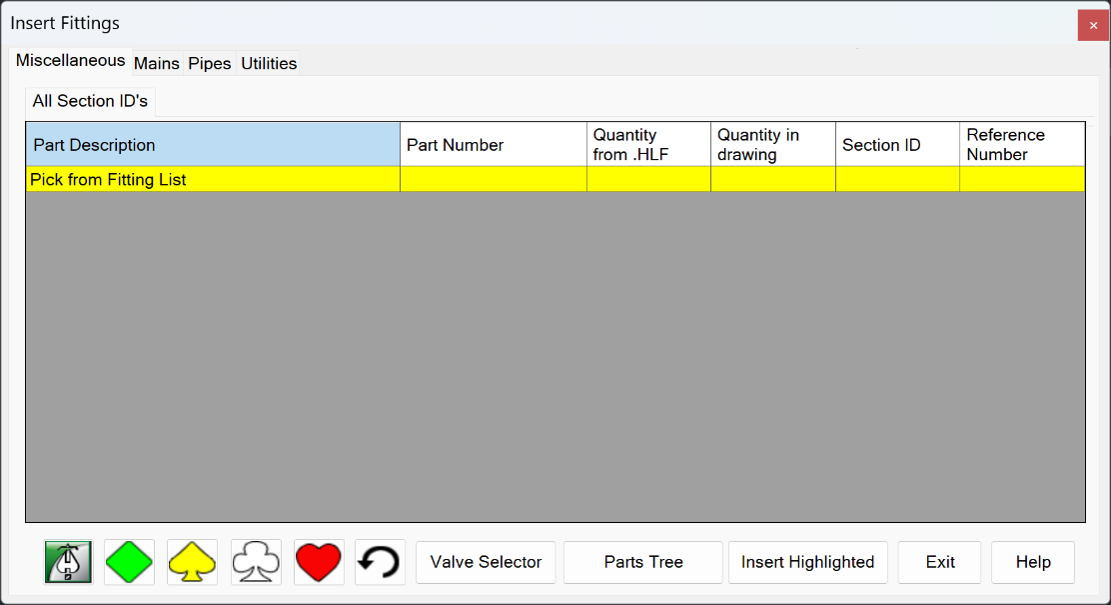
The four tabs and their uses are:
Miscellaneous – Selecting fittings and inserting them. There are two commands which are used to populate the list on this tab – Insert Fittings via Parts Tree and Insert Fittings via HydraLIST
Mains – Creating 3D mains, manifolds and pipes from mains entered on the Mains tab of HydraLIST
Pipes – Inserting a single piece of pipe with end preps chosen by the user
Utilities – Creating fittings that do not already have a HydraCAD 3D drawing
The first tab will be discussed in detail in the next two command topics. The last three will then be covered after that.