HydraDOCs
Appearance
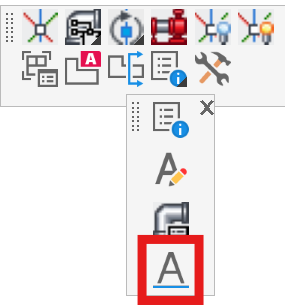
Set Dimension Scale
Layer(s): NONE
Associated: Viewports
Shortcut: SDS
The easiest way to dimension 3D Risers in Paper Space is to use the Insertion OSNAP and select the Ski Poles. Use Turn Ski Poles On (3DO) to turn these on.
A 'regular' AutoCAD Dimension Style is configured for Model space, but will be too large when dimensioning in Paper space. Set Dimension Scale is a useful tool for adjusting the dimension size in paper space.
The current Dimension Style settings appear at the bottom of the box.
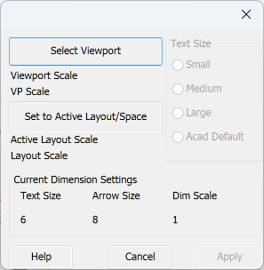
Press Select Viewport and pick the Viewport you want to dimension. To select a Viewport, pick its border.
The scale of the viewport will be detected and the Dimension size adjusted accordingly.
Select the Text Size press Apply.
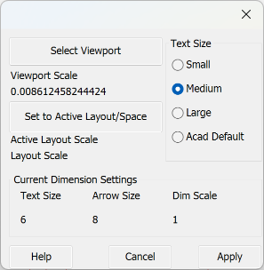
You can now dimension your detail with conventional dimensioning commands, but in Paper space.
To return to the original Dimension Style, return to Model space.