
 HydraDOCs
Appearance
Add Loose Material
Layer(s): SPRNK2
Shortcut: 2DS
Associated: Merge Partial List
Ribbon: Process Panel
Insert prepared blocks and detail drawings.
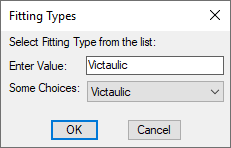
Select a category from Some Choices. You will then navigate selections within the category.
Select one and a drawing will open.
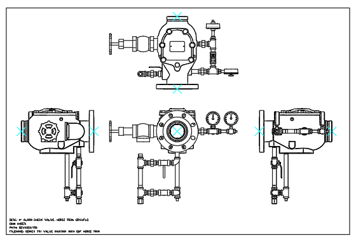
Use the Clipboard to copy and paste into your drawing. All of the options are 2D drawings. Some of the drawing blocks will be picked up by AutoList.
HydraCARDs (Troubleshooting)
For HydraCARDs regarding Add Loose Material: [Click Here]