
 HydraDOCs
Appearance
Launch HydraLIST
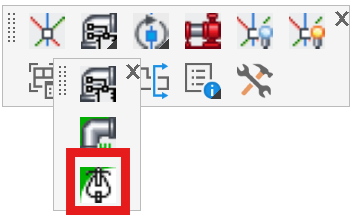
Layer(s): NONE
Shortcut: SAB
Ribbon: Insert Panel
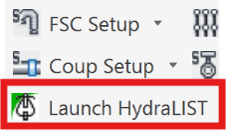
Open HydraLIST with the drawing HydraLIST job file loaded.
Picking Launch HydraLIST without previously having created such a HydraLIST job will prompt you for permission to create that file.
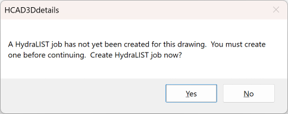
If you choose Yes, a HydraLIST job file will be created with a set of default fittings. This job will have same name as your drawing but with a .HLF extension and will be in the same folder as your drawing file.
For details on how this command is used, refer to Insert Fittings via HydraLIST.